New to Hearth? Start here
- iOS
- Android
- Web
- Chrome extension
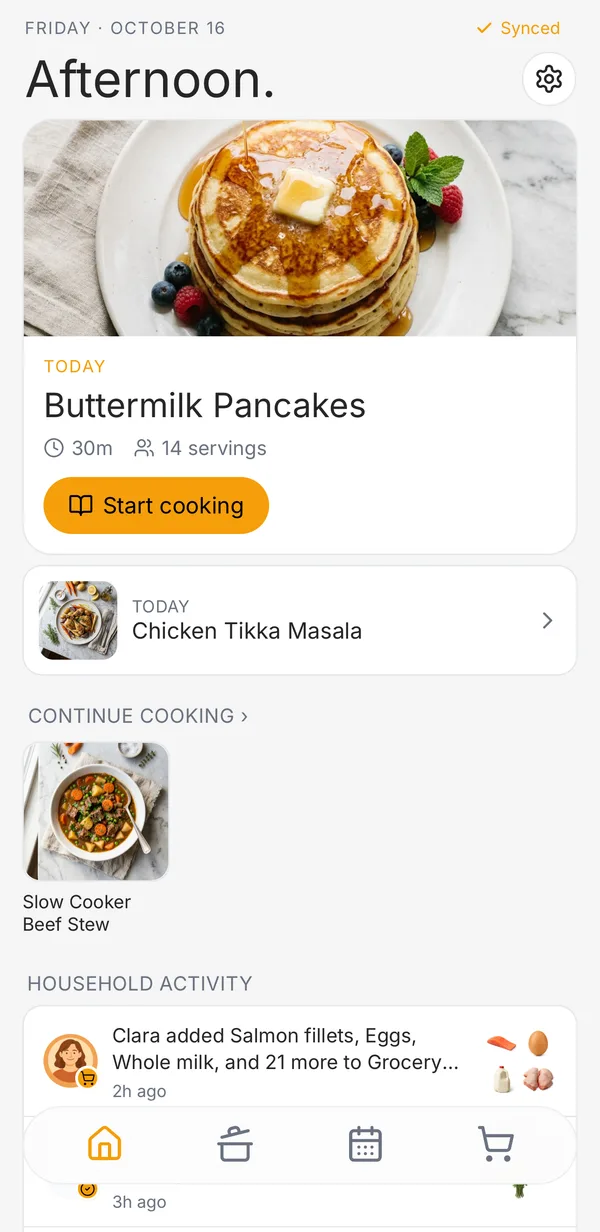
Hearth is a recipe app for households: the people who actually cook together. Everything you save is shared with your household by default, so nobody has to text a screenshot of a recipe again. Here’s the tour.
Save recipes from anywhere
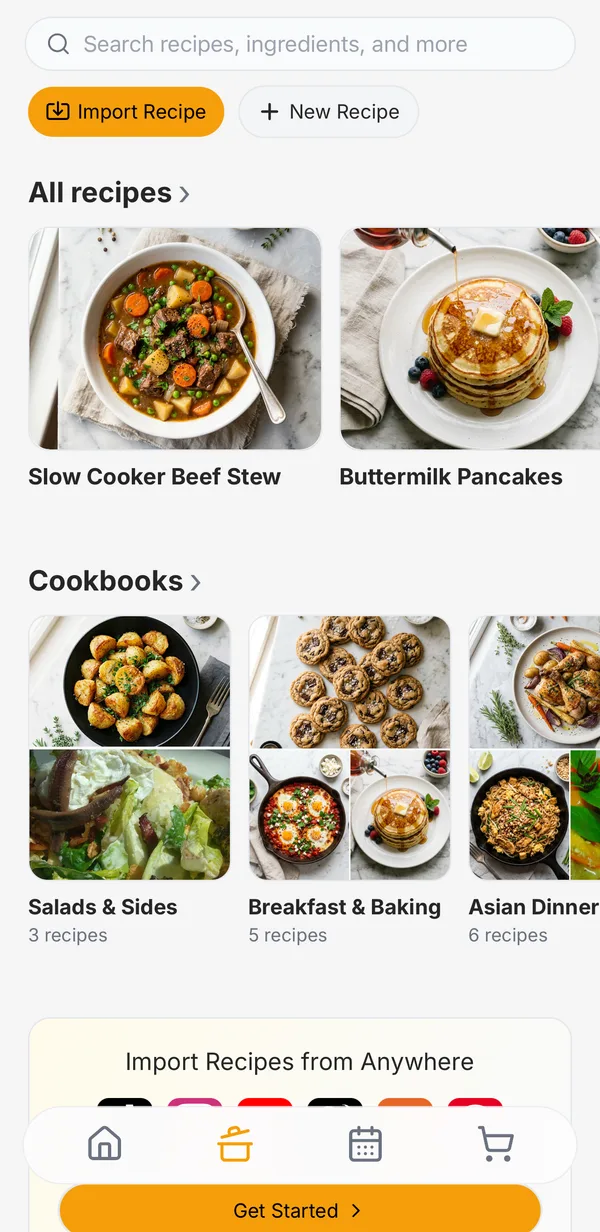
Paste a link from any recipe site, and Hearth pulls out the ingredients and steps without the life story. It works for Instagram reels and TikTok and YouTube videos too. You can also snap a photo of a cookbook page or a handwritten card.
On iPhone, tap Share → Hearth from Safari, Instagram, or any other app. Anywhere else, tap Import and paste the link. On a computer, the Hearth Chrome extension spots recipes on any page and saves them in one click.
Share it with your household
Invite your partner, roommates, or kids from Settings → Household. Recipes, cookbooks, grocery lists, and the meal plan are shared with everyone, and changes show up live on every phone and computer.
Plan the week
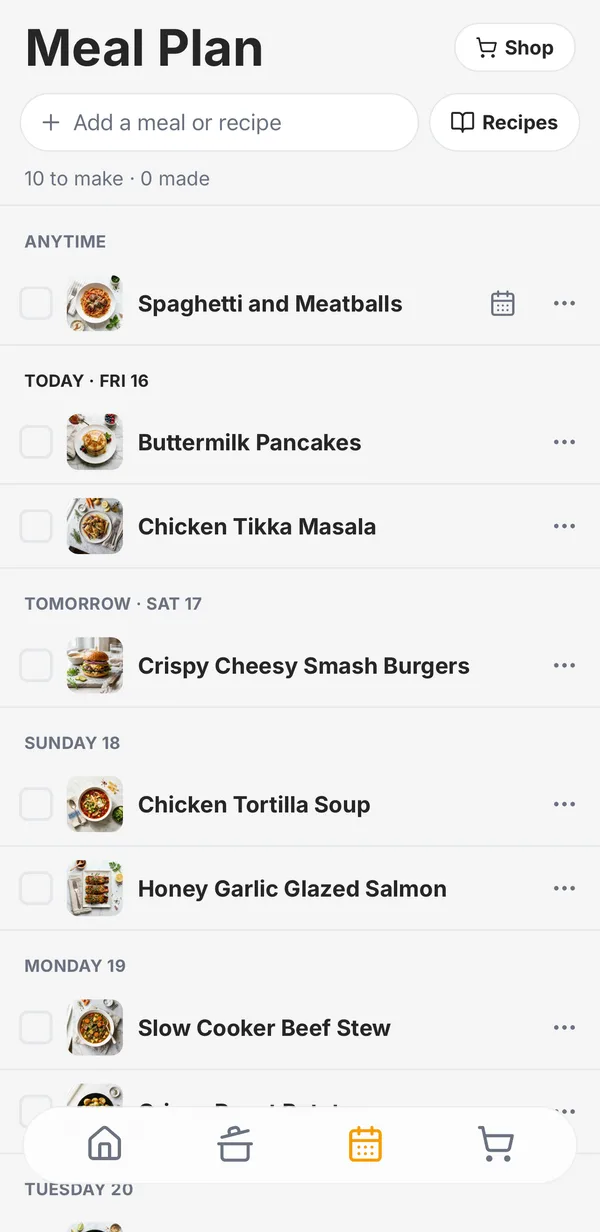
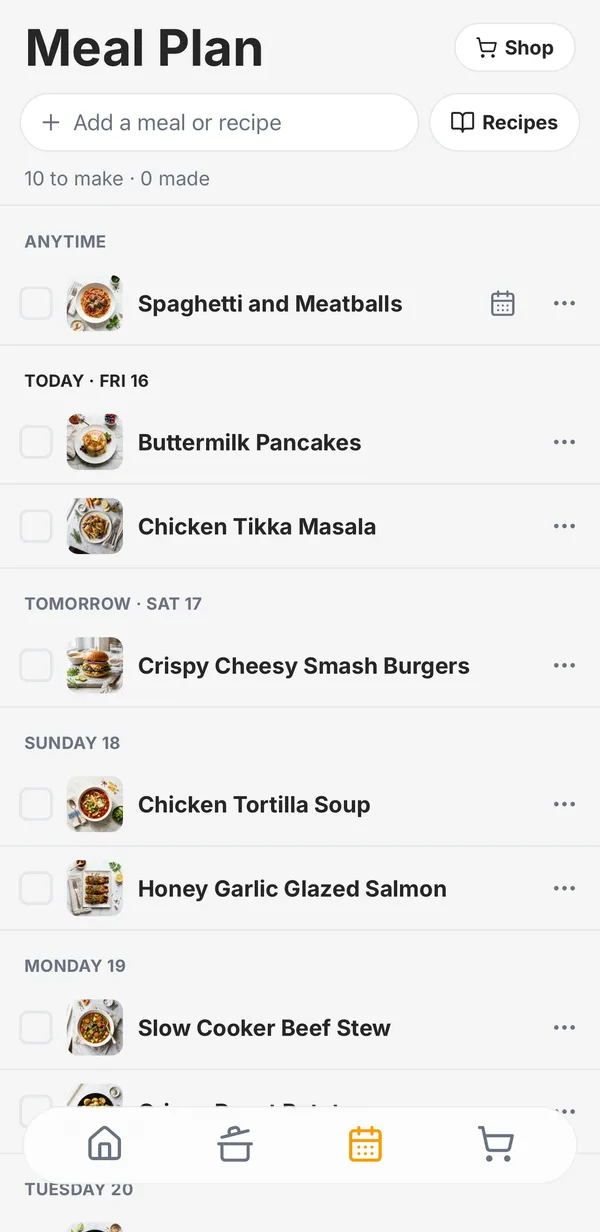
The Meal Plan tab is one list of meals to make. Add a recipe, or just type “Tacos,” and give it a day if you want one.
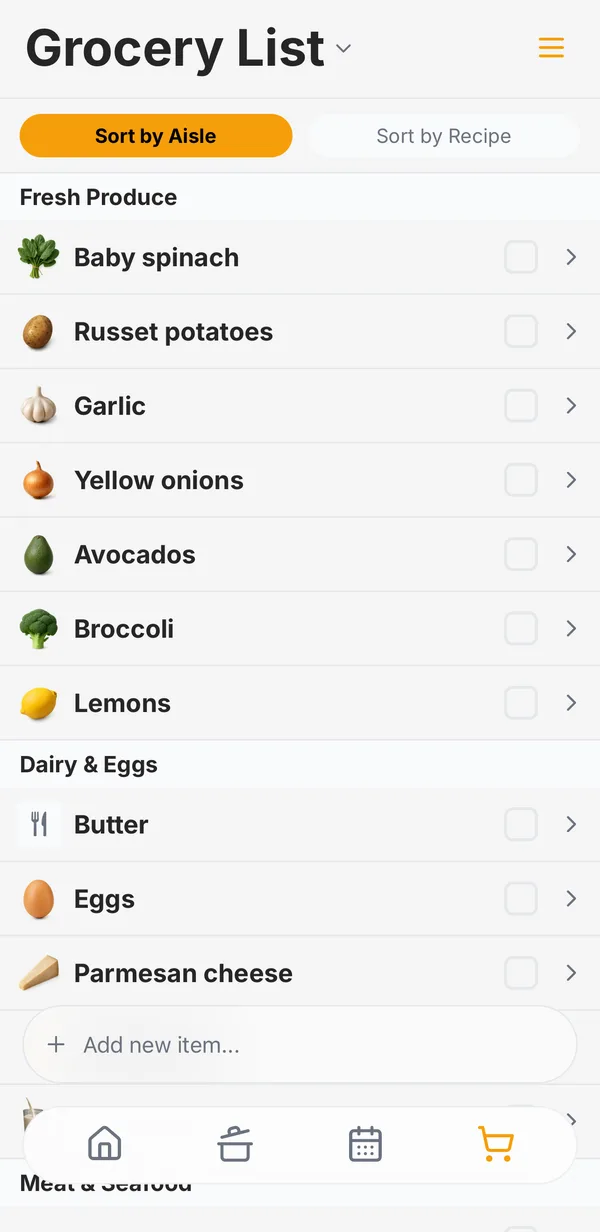
Shop from one list
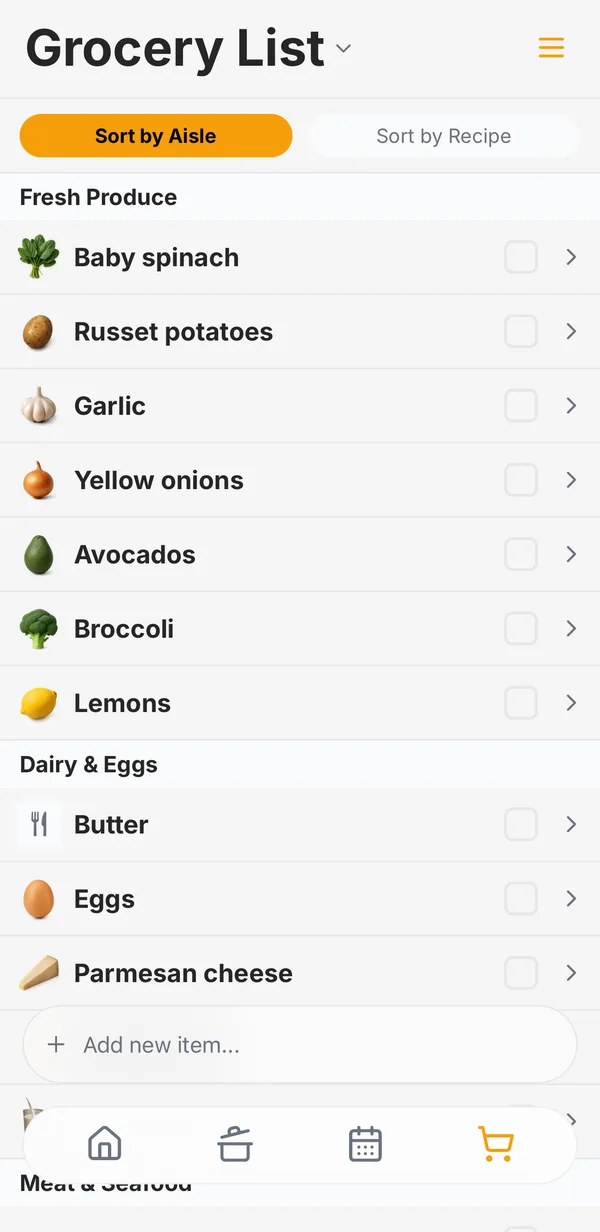
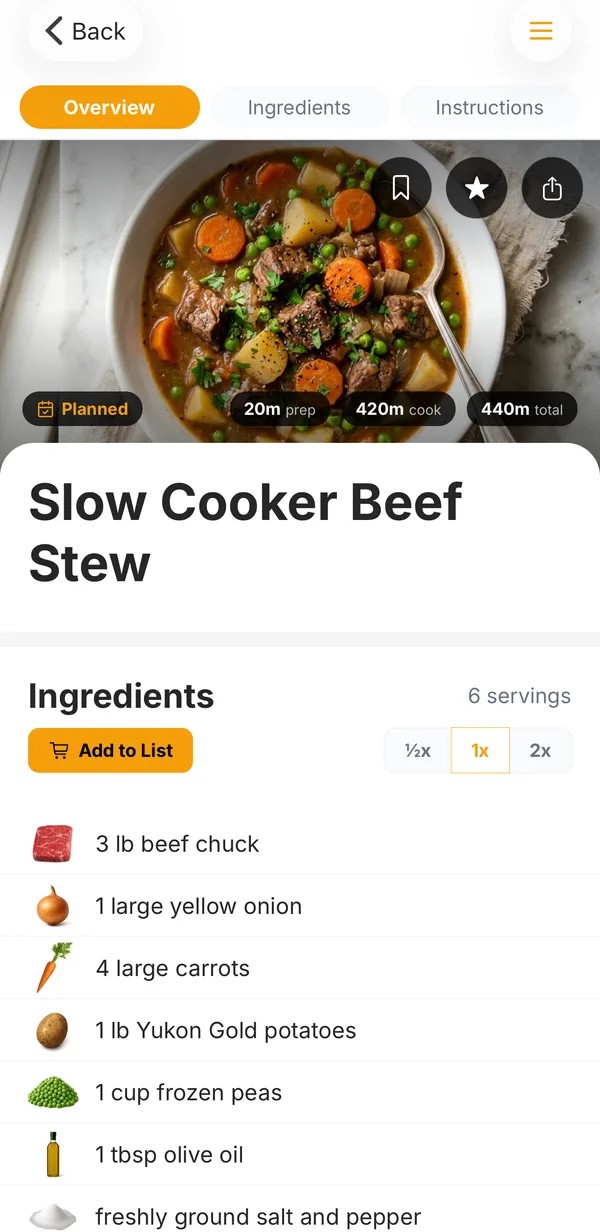
Tap Add to List on a recipe, or Shop on the meal plan, and the ingredients land on your household’s grocery list, sorted by aisle. Check things off as you go, and anyone at home sees it update.
Cook without losing your place
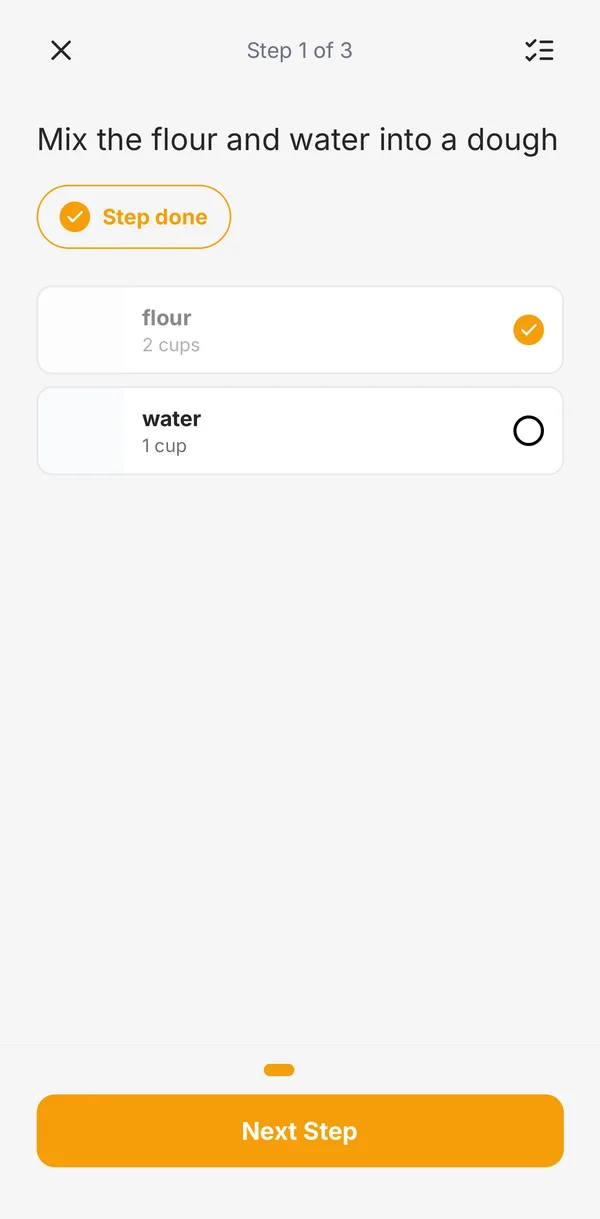
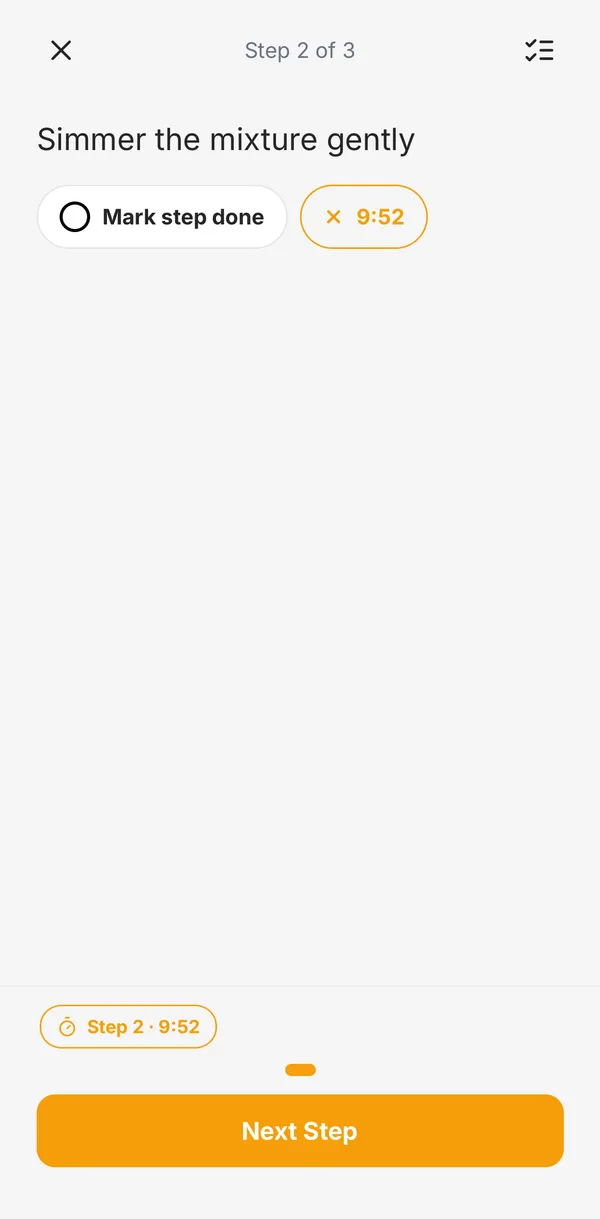
In the iPhone and Android apps, Start cooking on any recipe opens cook mode: one step at a time, tap-to-start timers, and it remembers where you left off.
That’s the tour. Hearth is free to start on iPhone, Android, and the web. If something’s confusing or missing, tell us. We read every message.
Cook together with Hearth
Free to start on iPhone, Android, and the web. No credit card.