Cook Mode Now Keeps Up With You
- iOS
- Android
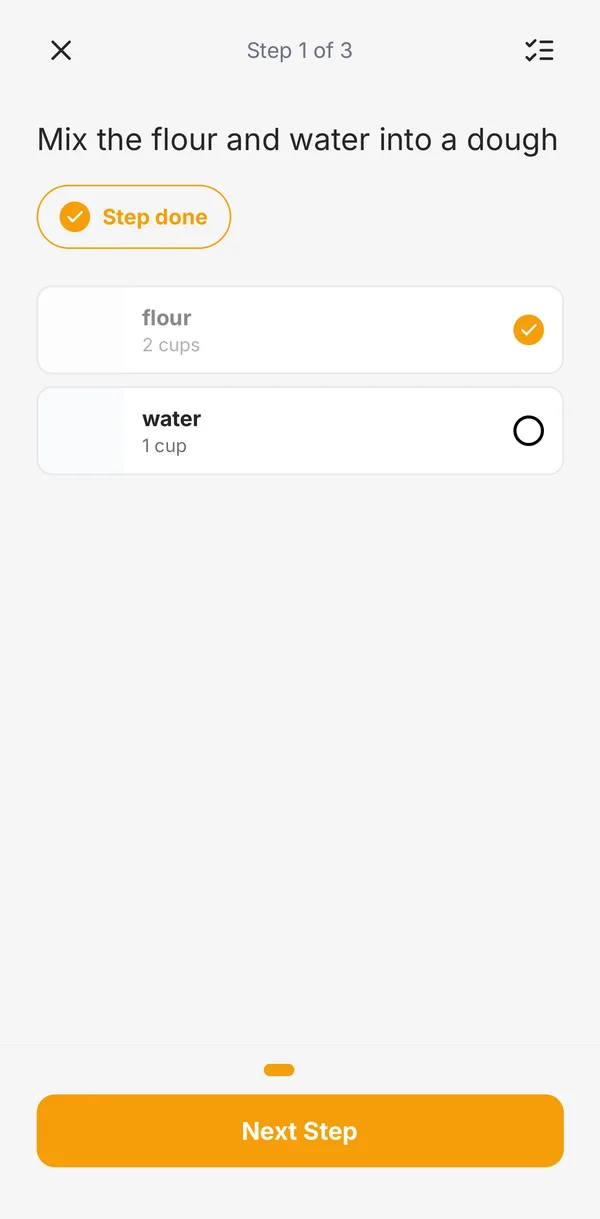
Cook mode used to be a slideshow. Now it’s built for the stove: when your hands are messy, the pasta is boiling, and someone just asked you a question.
Timers right on the step
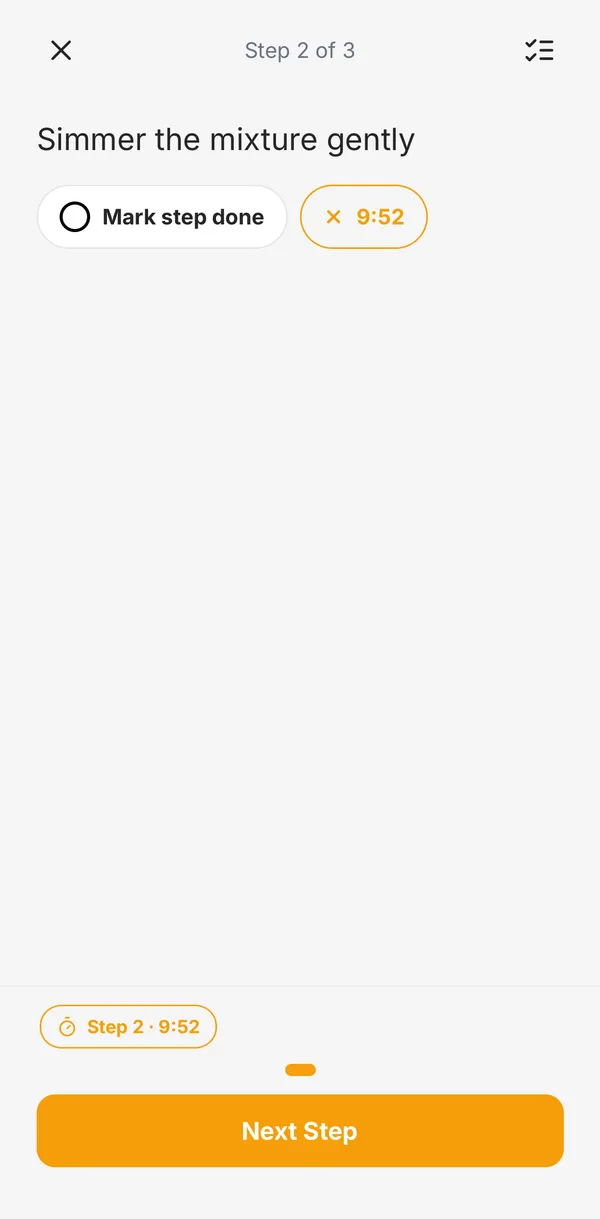
When a step says “simmer for 10 minutes,” that time is now a button. Tap it to start a countdown, and tap again to cancel. Hearth sends a notification when the timer is up, even if you’ve switched apps or locked your phone. You can run several timers at once, and the ones from other steps stay at the bottom of the screen so you can jump back to them.
Check off as you go
Tap Mark step done when you finish a step, or just tap Next Step. You can also check off each ingredient as it goes in. The list icon at the top shows every ingredient for the recipe, scaled to your servings, without losing your place.
Pick up where you left off
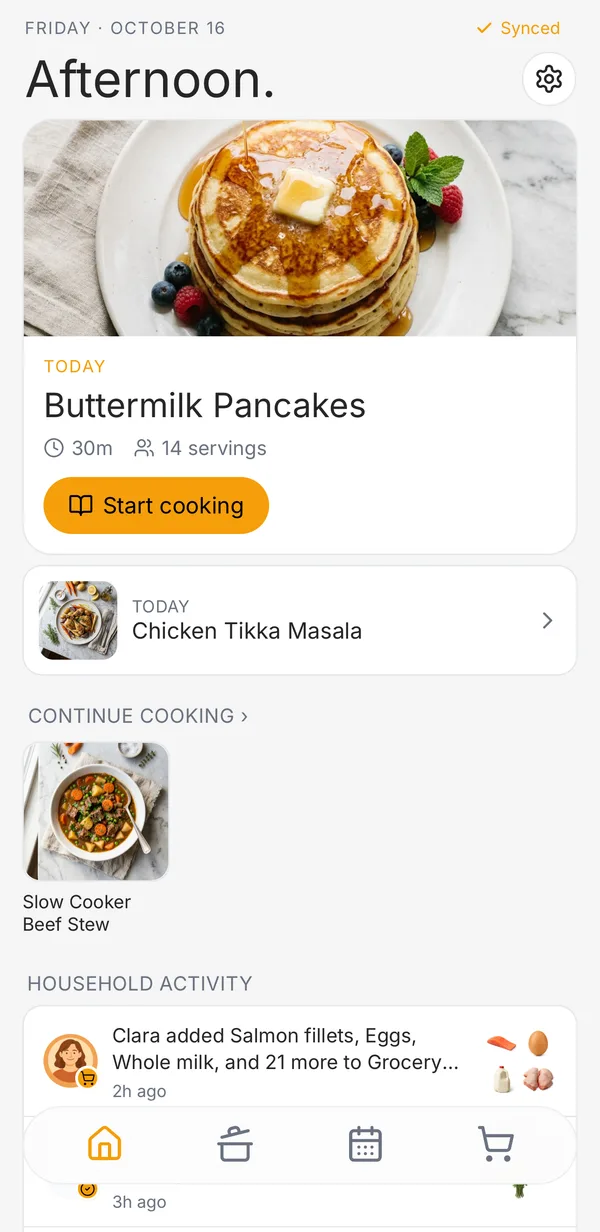
Close the app mid-recipe and cook mode remembers your step, your checked ingredients, and any timers still running. Recipes you’re in the middle of show up first in Continue cooking on the Home tab, labeled with the step you’re on.
How to use it
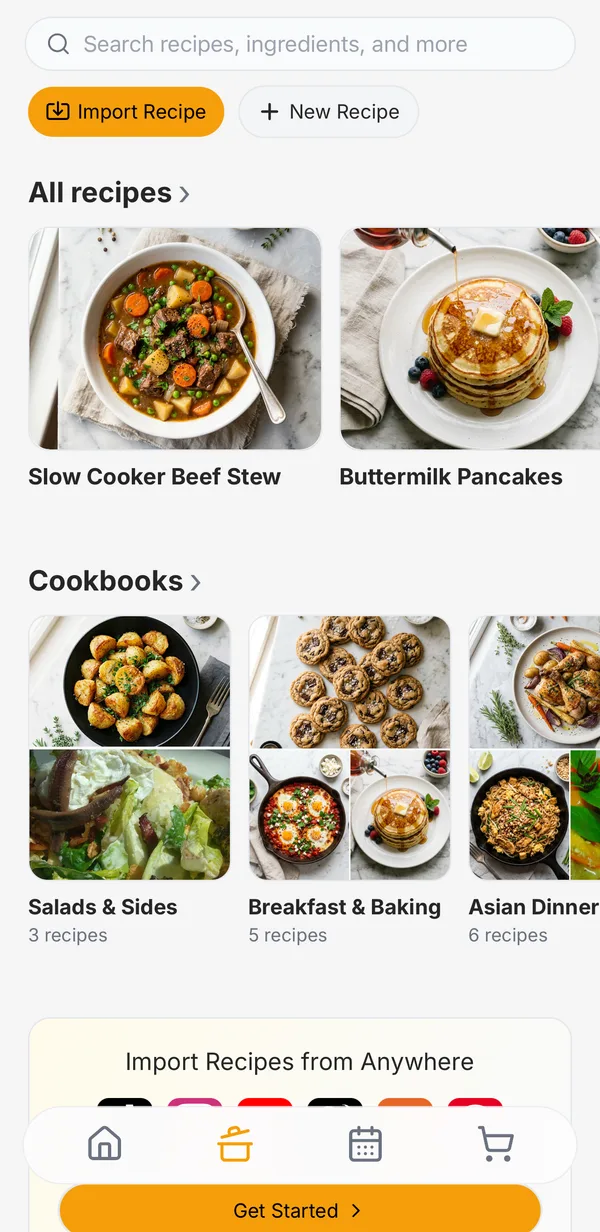
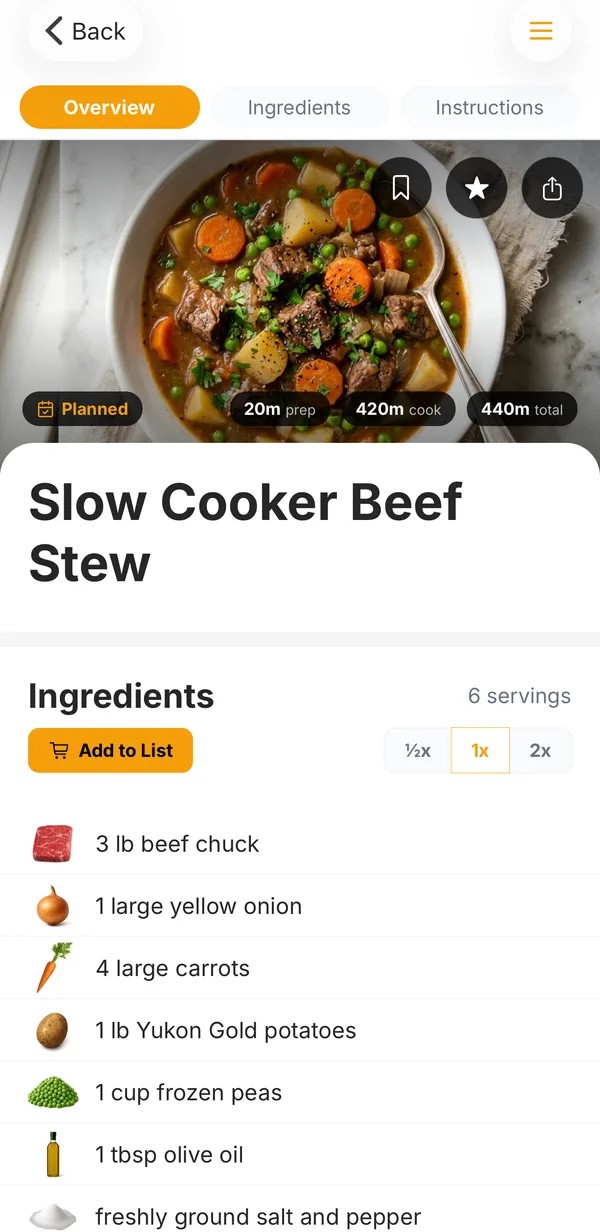
Open any recipe and tap Start cooking. The first time you start a timer, Hearth asks permission to send notifications. Say yes so the timer can reach you when the app is closed.
Cook mode is on the iPhone and Android apps.
Cook together with Hearth
Free to start on iPhone, Android, and the web. No credit card.