Share Any Recipe with a Link
- iOS
- Android
- Web
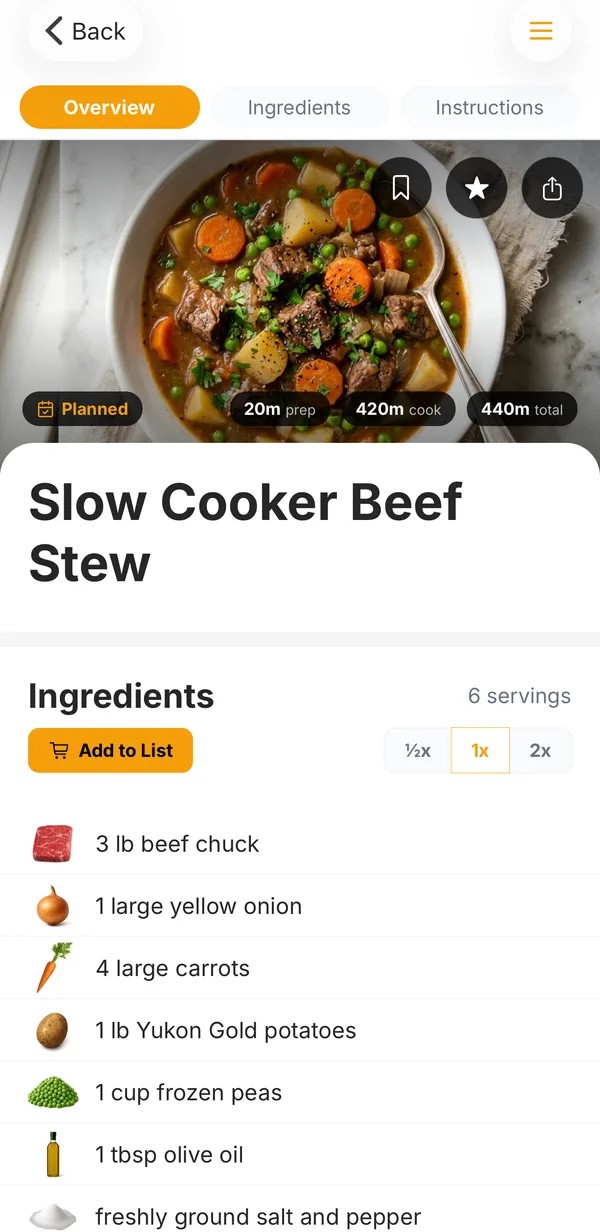
Sending someone a recipe used to mean a screenshot, a copy-paste, or a link to a blog post buried under ten ads. Now any recipe in Hearth can have its own public page that you can text, post, or email to anyone.
What your friends see
The link opens a clean page with the photo, ingredients, and steps. It’s readable on any phone, with no account and no ads. The link previews properly in iMessage, WhatsApp, and social apps.
If they already have Hearth, the link opens the recipe right in the app. If they don’t, the page has one button for the right app store, and they can save the recipe to their own Hearth in one tap.
You stay in control
- See who it reached. Hearth shows how many times your link has been viewed and saved.
- Stop sharing anytime. One tap takes the page down.
How to use it
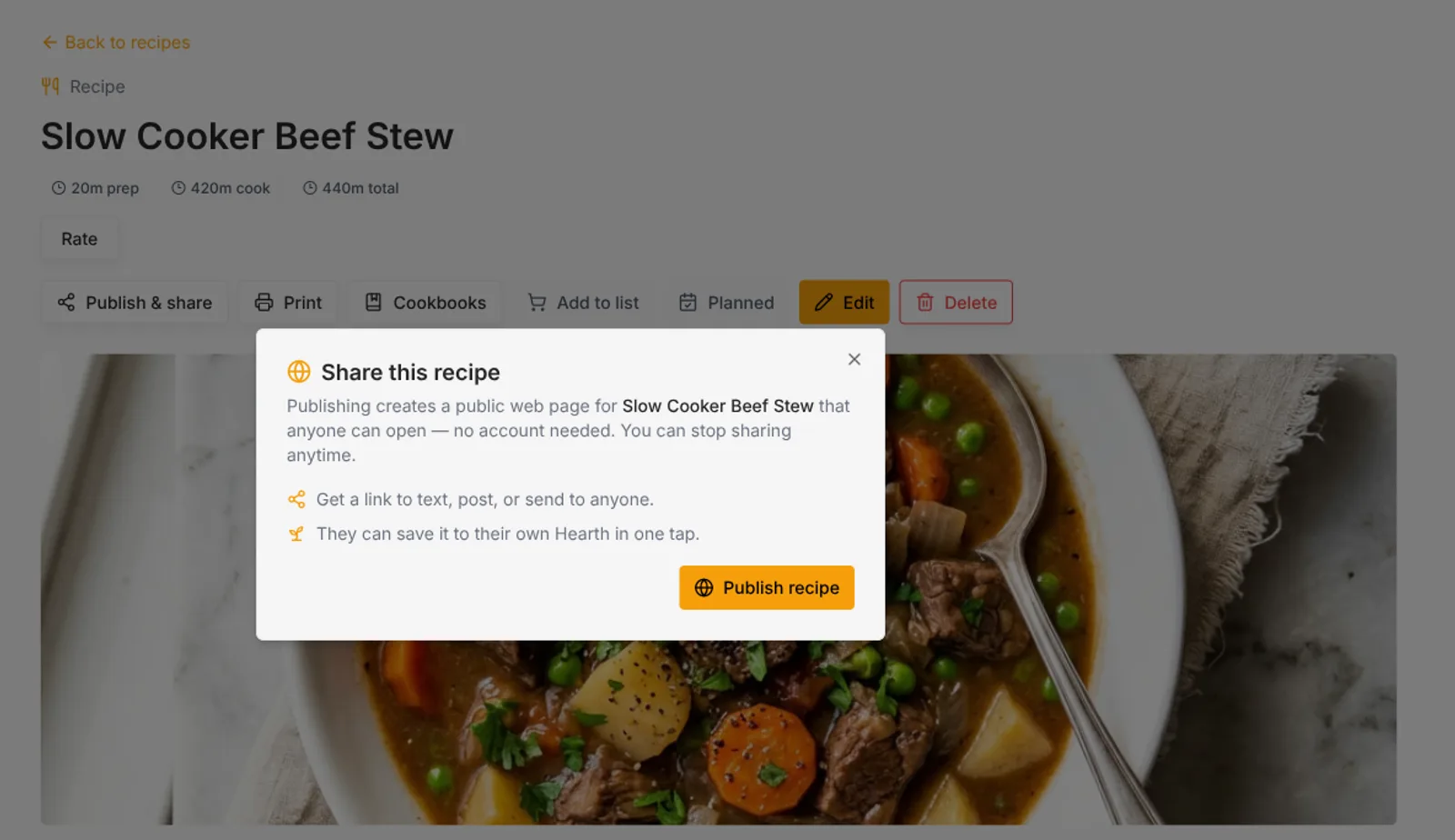
Open a recipe and tap the share button. On the web, it’s Publish & share above the photo. Tap Publish recipe, then copy the link or use your phone’s share sheet.
Sharing is free, on iPhone, Android, and the web.
Cook together with Hearth
Free to start on iPhone, Android, and the web. No credit card.