Meal Planning, Simplified
Joe Krusling Available on
- iOS
- Android
- Web
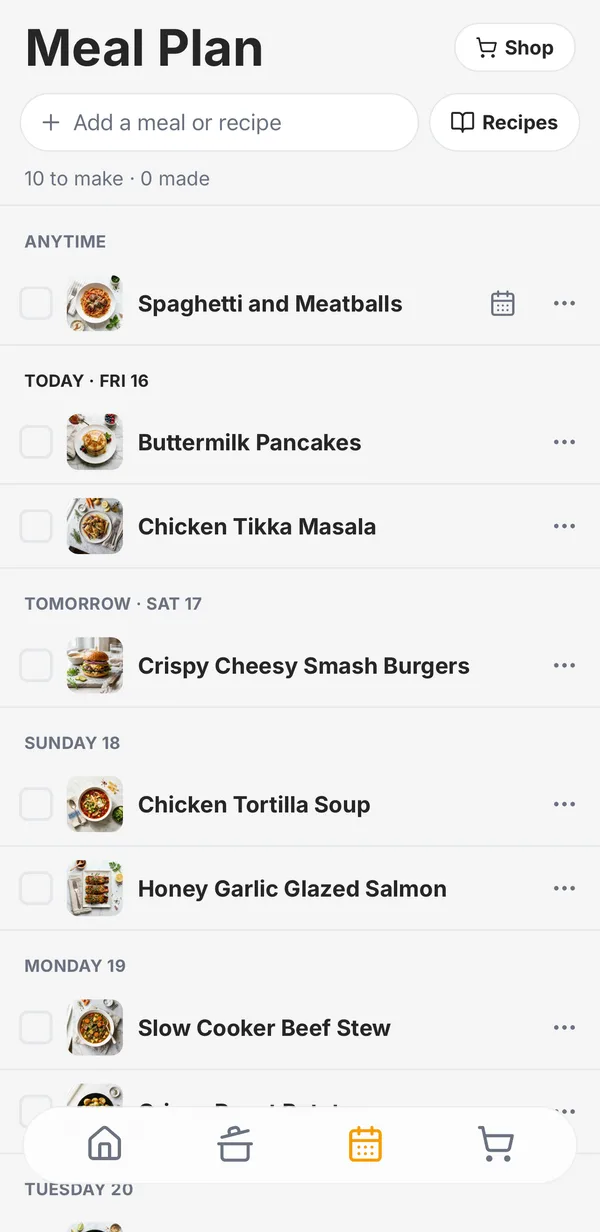
The old meal planner needed a walkthrough: multiple plans, meal groups, a date stepper, and gestures that did five different things. So we rebuilt it around one idea: a list of meals your household wants to make, where a day is optional.
What’s new
- One list. “Anytime” meals sit on top, then a section for each upcoming day that has something planned.
- Notes count as meals. Type “Tacos” or “Leftovers” and press Return. If one of your recipes matches, Hearth suggests it, and you can attach a recipe to a note later.
- Days are one tap. Pick from the next two weeks, or no day at all. If a planned day passes and the meal wasn’t made, it moves back to Anytime instead of disappearing.
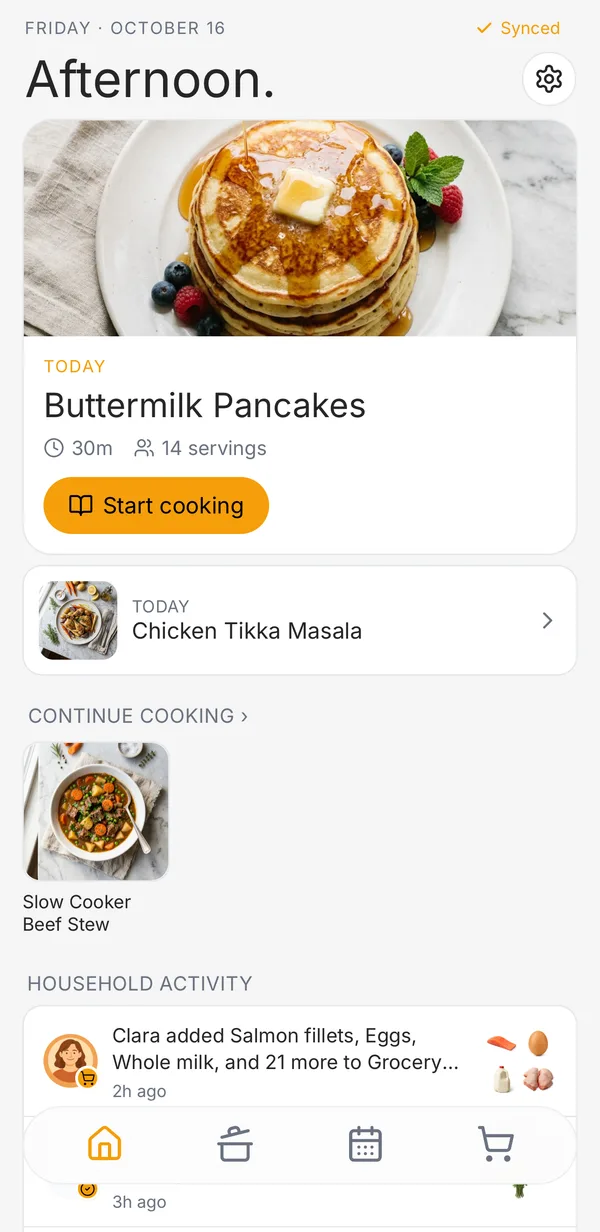
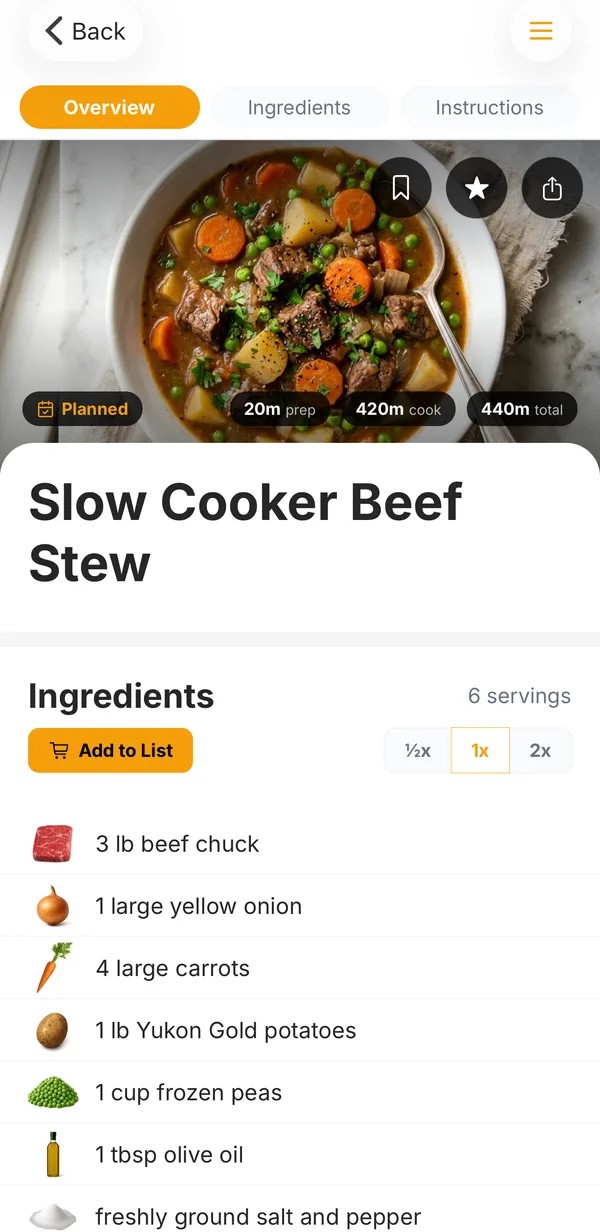
- Plan from the recipe. The Plan button on any recipe adds it to the list. Once it’s planned, the same button lets you move it to another day or remove it.
- Check it off when it’s made. Hearth logs it, and you can leave a quick star rating or a note for next time. Changed your mind? Tap Undo.
Shop the plan
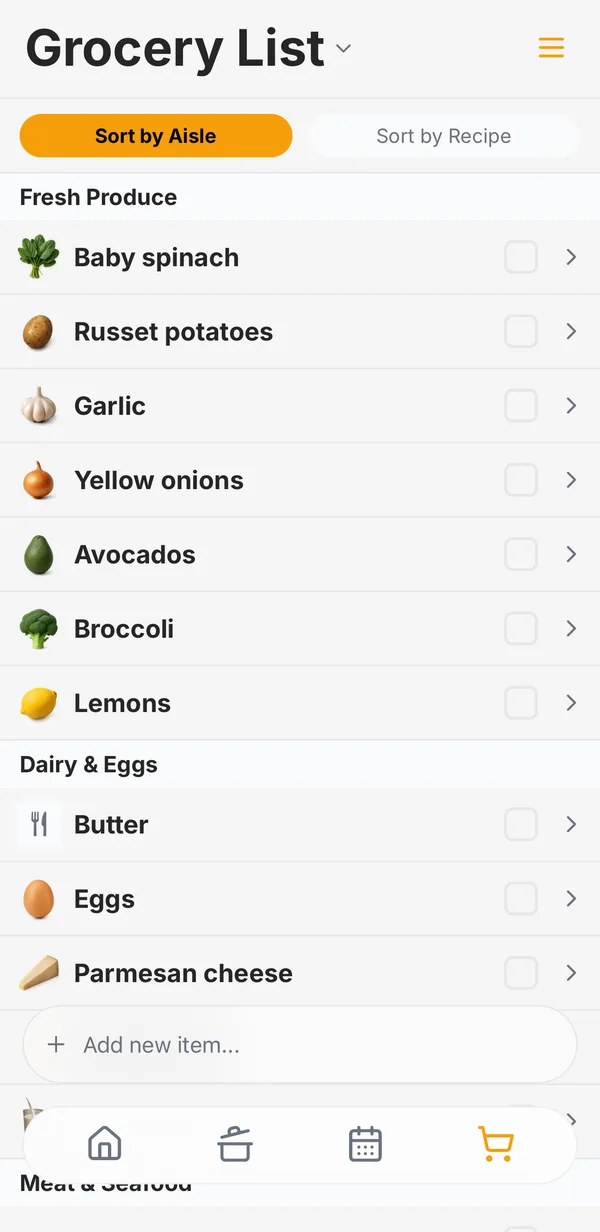
Tap Shop at the top of the meal plan and the ingredients for every recipe you still have to make go onto your grocery list, sorted by aisle.
How to use it
Open the Meal Plan tab and type into Add a meal or recipe. That’s the whole thing.
Meal planning is free and shared with everyone in your household, on iPhone, Android, and the web.
Cook together with Hearth
Free to start on iPhone, Android, and the web. No credit card.